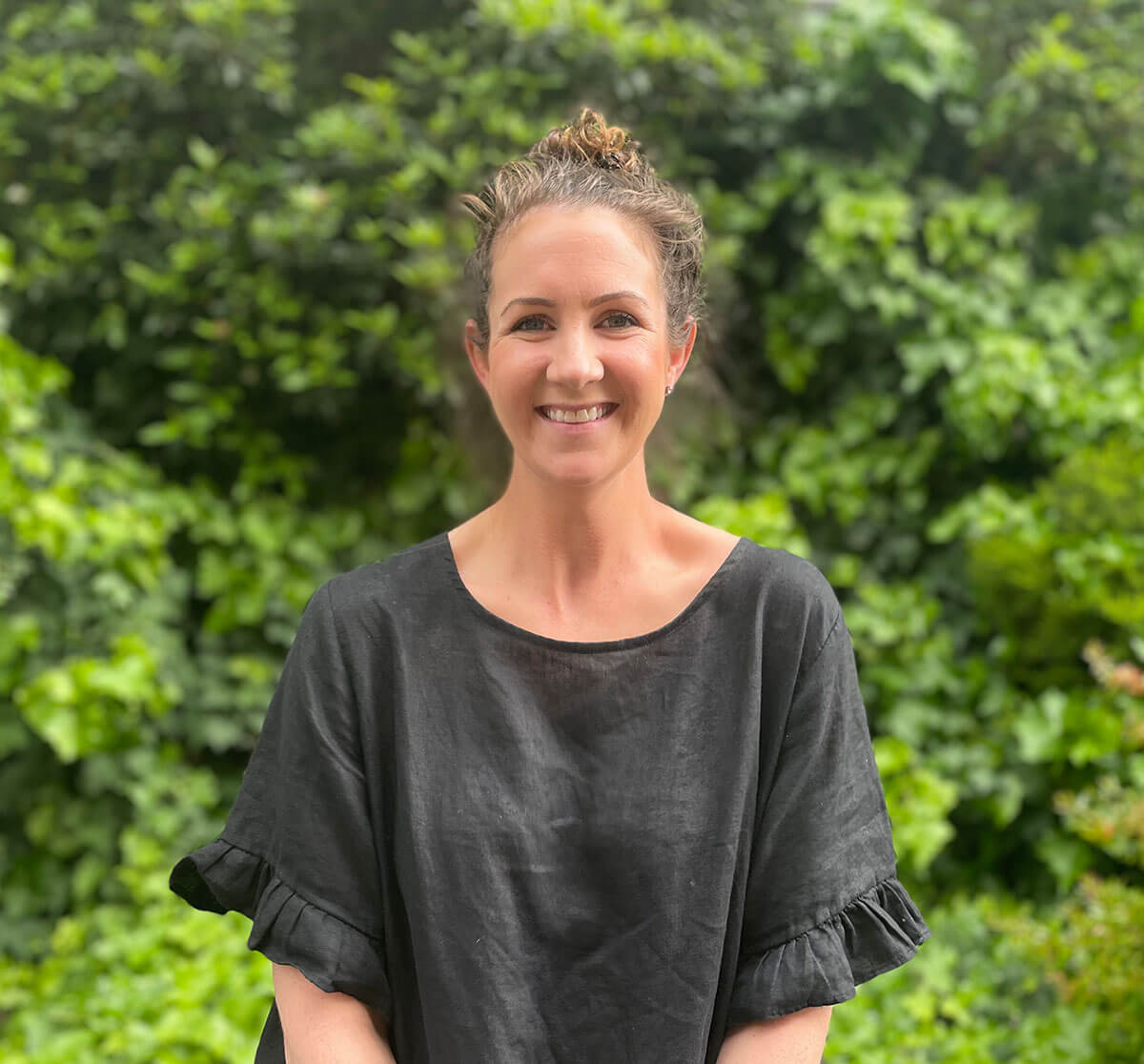
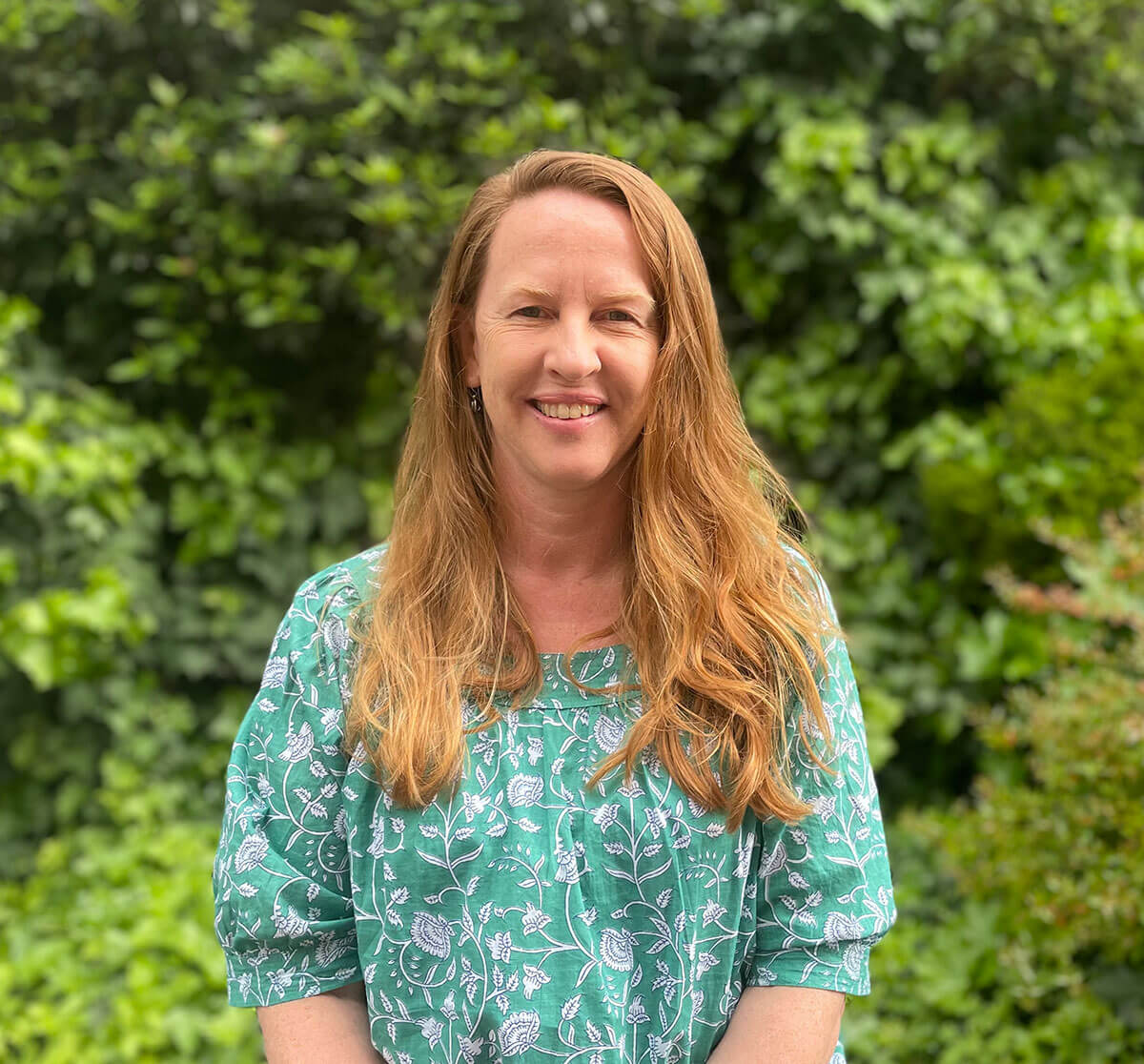
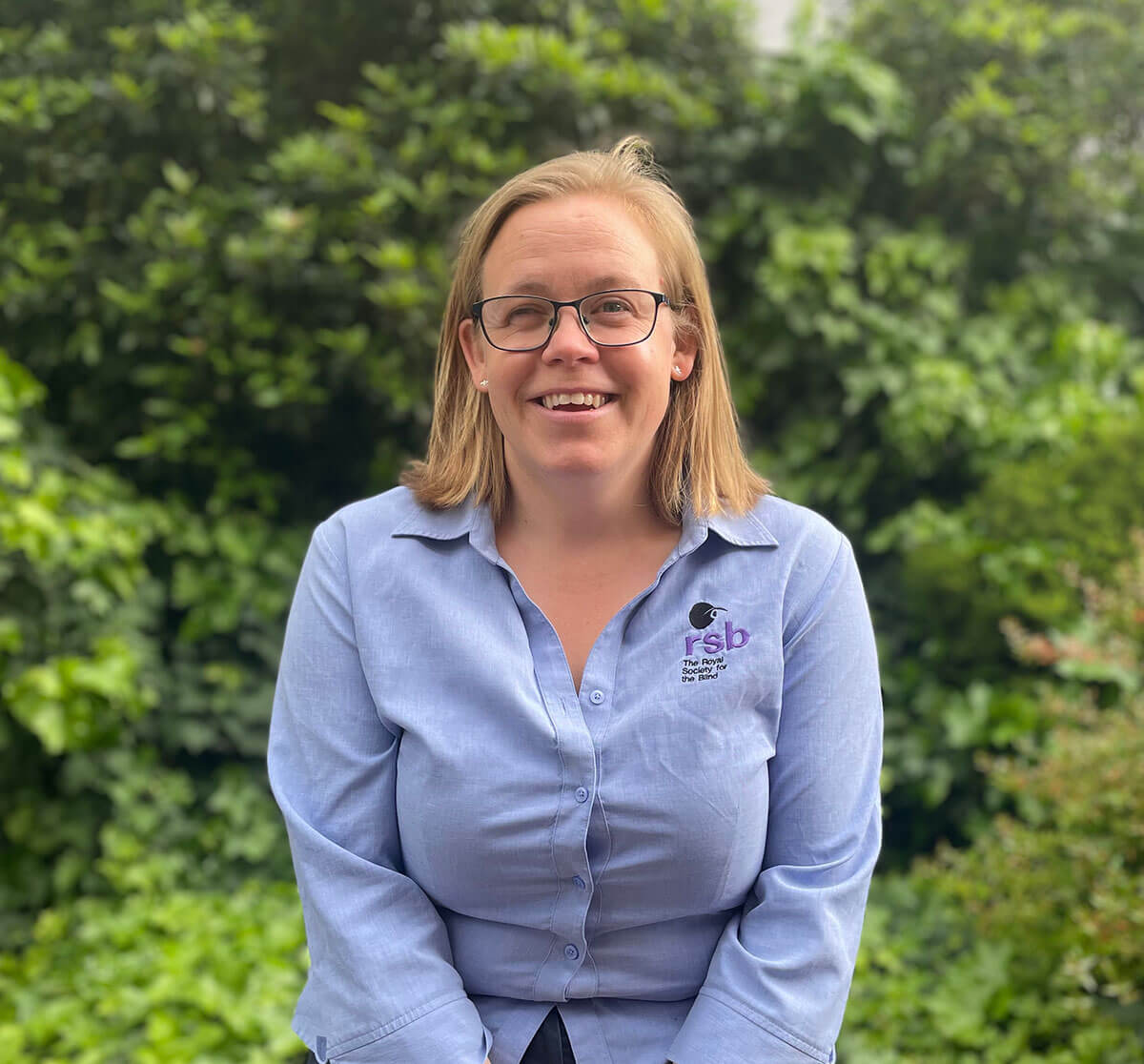
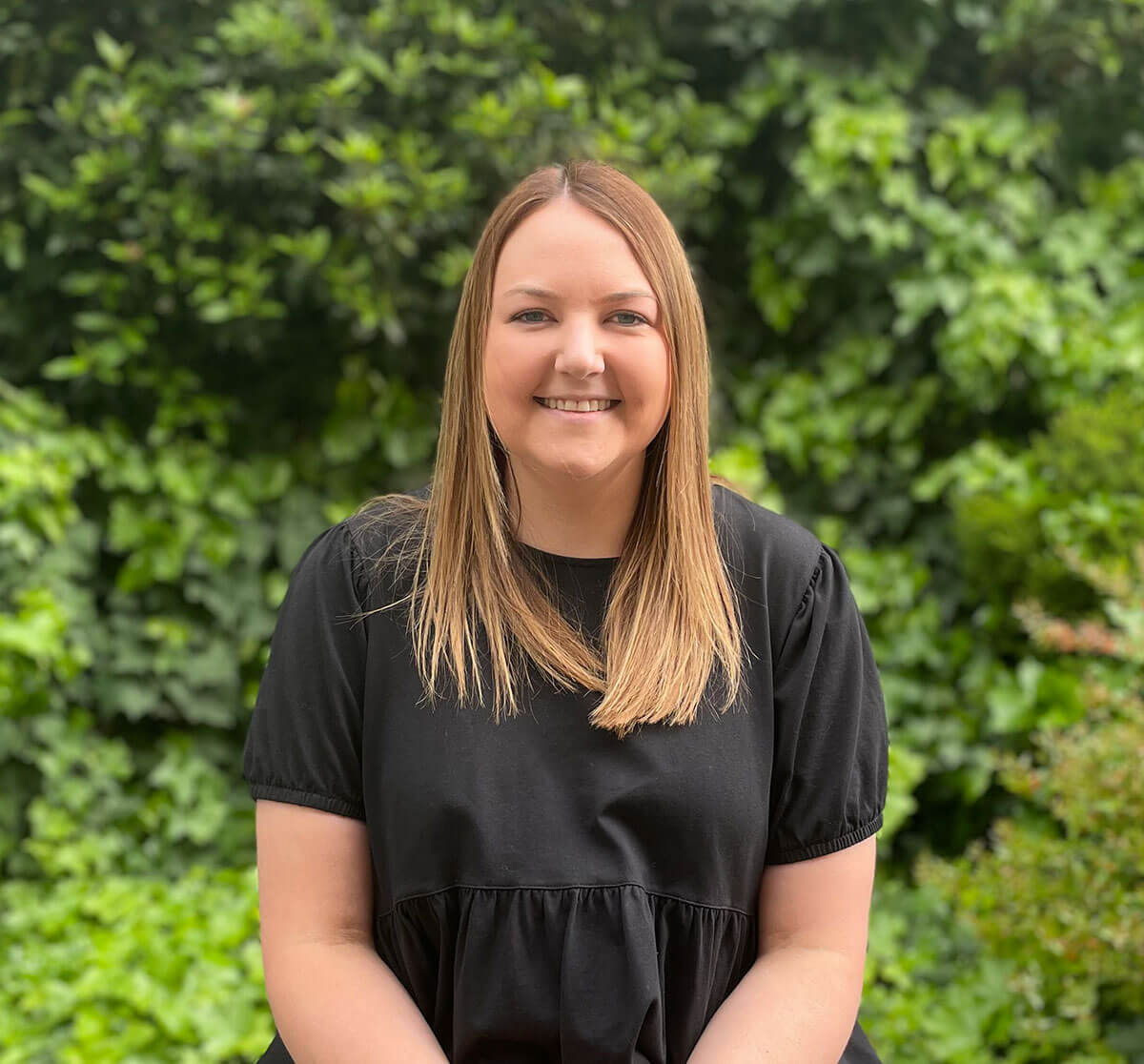
If you are blind, experience low vision, are Deaf or hard of hearing, or have a neurological, acquired brain injury, psychological, intellectual or learning disability, See Differently’s employment services can help you to secure meaningful employment.
Whether you’re just about to finish high school, or you’re employed and would like to integrate adaptive technology into your workplace, there are many ways See Differently’s employment services team can help.
These include:
- Career planning
- Writing job applications
- On the job and post-employment individual support
- Apprenticeship and Traineeship information
- Preparing and writing resumes
- Adaptive Technology matching and training
- Skills assessment
- Interview skills; and
- Employer liaison – pre- and post-employment.
See Differently Locations
Come and speak to one of our employment experts, located in Adelaide, Port Adelaide, Gilles Plains and Noarlunga Downs.
Our Employment program has been specifically designed to meet the needs of jobseekers who are blind or vision impaired, by providing access to adaptive technology to allow you to search for employment independently.
Each computer in the program is equipped with the latest ZoomText Screen magnification and reader software, JAWS screen reading software and desktop magnifiers.
School Leaver Employment Support
If you’re a school leaver with low vision (aged 16-22) looking for work, See Differently can help you to develop the skills, independence and confidence to work through our School Leaver Employment Support program.
The program is an individually tailored, two-year employment pathway designed to give you a clear career direction.
We’ll assist you with:
- Resume, job application and interview skills
- Computer literacy
- Communication and teamwork skills
- Organisation and time management
- Money management
- Personal presentation
- Workplace expectations
- How to work independently and motivation
Employer support
If you’re an employer who would like to recruit someone with low vision — or if you already do — our team of specialist employment consultants can provide the following services:
- Recruit employees and retain employees
- Support existing employees experiencing vision loss
- Identify and Source relevant equipment to assist you retain employees
- Upgrade workplace environments to assist employees experiencing vision loss
- Provide or help you find wage subsidies to support you retain employees
- Provide training and support for your existing workforce
Referrals
Individuals are able to approach See Differently’s Employment Services directly or seek a referral from Centrelink.
Please note, See Differently Employment Services is for people who are blind or vision impaired, Deaf or hard of hearing. If you have an enquiry, or application for a job vacancy at the See Differently, please send to EmploymentServices@SeeDifferently.org.au.